
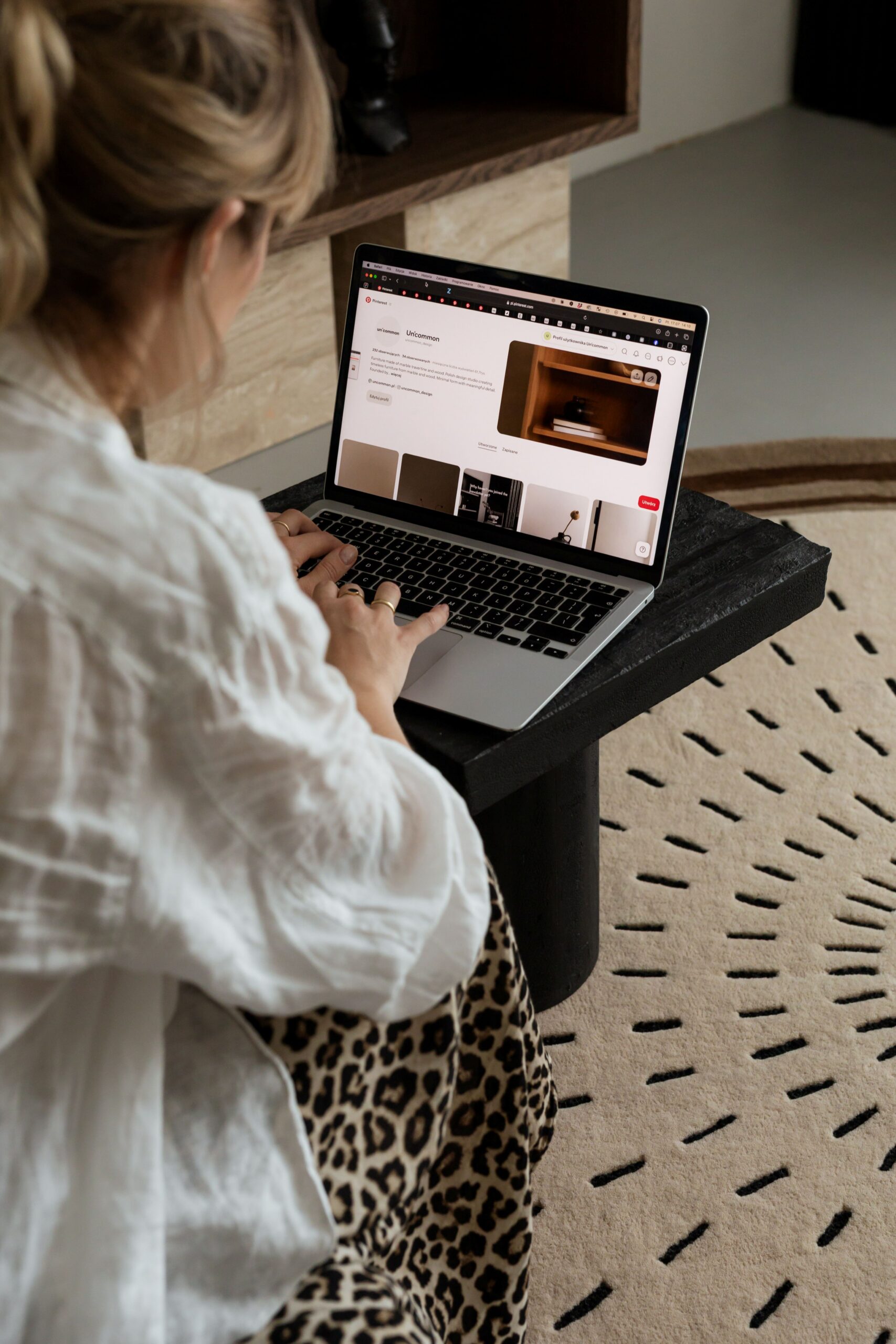

If Pinterest has been feeling like screaming into a void, I’ll save you the diagnostic work: it’s almost never your pins that are the problem. You’re treating the whole platform like a feed, and Pinterest was never built to be one. The move: “I’ll save you the diagnostic work” carries the same candid, direct energy as “Real talk” but folds naturally into the sentence instead of standing alone. It also does a little extra work by hinting at your actual role (someone who audits and diagnoses these accounts), which sets up the very next paragraph where you describe exactly that.
Nearly every audit I run for a wedding pro turns up the same picture. She’s pinning three or four times a week, cross-posting from Instagram now and then, using the same caption format on both platforms, hoping something eventually breaks through. It doesn’t. And meanwhile, two counties over, another wedding pro is pinning half as often and getting weekly inquiries she can trace straight back to Pinterest. It isn’t quantity separating them. It isn’t even design. One of these women actually understands what Pinterest is. The other is treating it like a slightly quieter version of Instagram, and that’s the whole ballgame.
Pinterest is not a social feed. It never was one. When posting to Pinterest for wedding business owners isn’t earning inquiries, this is usually the crack in the foundation. So let me walk through what actually changes when you approach posting to Pinterest for wedding business owners on the platform’s terms, not on the terms Instagram trained you to follow.
Pinterest Isn’t a Feed. It’s a Search Engine in a Pretty Outfit.
Most wedding creatives get tripped up on Pinterest right out of the gate because they’re running the wrong mental program. They open the app and their brain fires up Instagram habits: check the feed, see who posted, scroll for a minute, react to something new. That’s not how Pinterest works, and it’s why nothing you’ve been doing is landing.
Pinterest is closer to Google than to Instagram. When someone opens the app, they aren’t there to be entertained. They’re on a mission, typing “outdoor mountain wedding North Carolina” into the search bar, or opening a board they’ve been quietly building since October. There’s actual intent behind the visit. Which is exactly why all that “post more, post often, feed the algorithm” pressure from the Instagram world doesn’t translate. Timing basically doesn’t matter. What matters is whether the pins you’ve made are showing up for the searches couples are actually running. If you want the longer version of this argument, here’s why search-based marketing is winning for wedding pros right now.
Once this really lands, half of what wedding pros stress about on Pinterest just stops mattering. Nobody is going to punish you for going quiet during a wedding weekend. That bride searching “outdoor mountain wedding North Carolina” will find your pin from six months ago the same way she’d find one from yesterday, as long as the pin is surfacing for what she’s typing.
What Changes About Posting to Pinterest for Wedding Business Owners When You Actually Get This
Once your brain switches from feed mode to search mode, the whole shape of your Pinterest work changes. The question you sit down with isn’t “what should I post today” anymore. It becomes something like “what is a bride actually typing into Pinterest six months before her spring wedding?” That single question ends up rewiring almost everything downstream: which photos you pull, how you write the description, where the pin sends people, even which pieces of your existing content are worth pinning at all. Nothing about the work is random anymore because the question underneath it isn’t random either.
For most of the wedding creatives I work with, this one shift cuts their content creation workload roughly in half. They create content less because every pin has a purpose tied to something a real person is actually looking for, and most of those pins keep working for months, sometimes years, after they go live. That’s what posting to Pinterest for wedding business owners looks like when the platform runs on its own terms instead of yours.
How Do I Schedule Posts to Pinterest for My Business?
Short version: you batch create, then you schedule. Nobody is expecting you to pin live from your phone in a spare minute between clients, and cross-posting from Instagram on autopilot isn’t the fix either. What you do is sit down every couple of weeks, build ten or fifteen keyword-tied pins in one focused session, and load them into a tool that publishes them out for you on a schedule.
If you’ve googled how to post on Pinterest more than once and walked away thinking there had to be more to it, this is the more. It isn’t a hidden button inside the platform. It’s a batching rhythm you build outside of it, and once that rhythm is in place, the actual “posting” is happening in the background while you’re on-site with a client or (finally) taking a Saturday off. Here’s the tactical playbook for batching Pinterest content if you want the setup walkthrough.
What Are the Best Tools for Posting to Pinterest Automatically?
Tailwind is the one I actually recommend for wedding pros (and use for my own business). It’s built for planning weeks of Pinterest content in advance, plugs directly into Pinterest, and handles auto-publishing while you’re editing at midnight or on-site at a reception. The analytics are useful without turning into a spreadsheet you’ll never open. Pinterest’s own native scheduler works too, but it caps out sooner than most wedding pros end up needing. Metricool and Later both include Pinterest scheduling if you’re already paying for one of them for something else.
Now, the setting almost every wedding creative asks me about at some point. You can use auto post to Pinterest from Instagram because Instagram built the option right into its business tools. Should you? No. I’ll die on that hill, and I’ll tell you why. Instagram-generated Pinterest content is almost always square, and Pinterest’s whole engine rewards vertical pins with several times the reach. The caption you wrote for your Instagram audience doesn’t contain the keywords a bride is going to type into a Pinterest search. So the pin technically posted, but nobody can find it, which means you burned an Instagram post for zero real Pinterest return. So the rule I hold to when posting to Pinterest for wedding business owners stays simple. Pinterest content gets planned separately, sized correctly for Pinterest, and written with Pinterest search behavior in mind. Cross-posting on autopilot is a shortcut with a real cost.
What to Post on Pinterest as a Wedding Creative
If the question is what to post on Pinterest specifically for a wedding business, the shortlist is pretty consistent from one wedding pro to the next. Real weddings you’ve actually delivered, tagged and described so the venue, the season, the style, and the color palette are all findable in search. Styled shoots that showcase a specific aesthetic your ideal couple might be typing by name. Blog posts about a venue, a wedding style, or a planning topic (each of those usually turns into several pins pointing back to the same URL). Portfolio galleries organized by concept and vibe rather than by date.
What to skip: motivational quote graphics that do fine on Instagram and land absolutely nowhere on Pinterest, storytelling carousels that only work if the viewer already follows your feed, and anything that needs context from your Instagram to be understood at all. Every Pinterest pin has to work as its own standalone thing. A bride who has never heard of your business should be able to see one pin, immediately get what you do, and click through wanting to see the rest.
Where to Actually Start Posting to Pinterest for Wedding Business Owners
If posting to Pinterest for wedding business owners has felt like shouting into a black hole for months on end, the answer isn’t more pinning. It’s stepping back and rebuilding the whole approach around what Pinterest actually rewards, so you’re not still guessing when wedding season kicks off.
That’s what the Pinterest Strategy Intensive is built for. It’s a working session, just you and me, where we open your account, look at your keywords together, dig into what your boards are actually doing, and rebuild your posting workflow around how Pinterest behaves instead of how Instagram trained you to think. You walk out with a real plan, a keyword bank you can pull from all quarter, and a scheduling rhythm you can trust while you’re on-site at a wedding, editing at midnight, or (for once) taking an actual weekend off.
Pinterest was never Instagram, and it’s a little frustrating how much of the advice out there still pretends otherwise. Stop trying to make it act like one, and most of what you’ve been doing all along starts working the way it was supposed to.

+ show Comments
- Hide Comments
add a comment